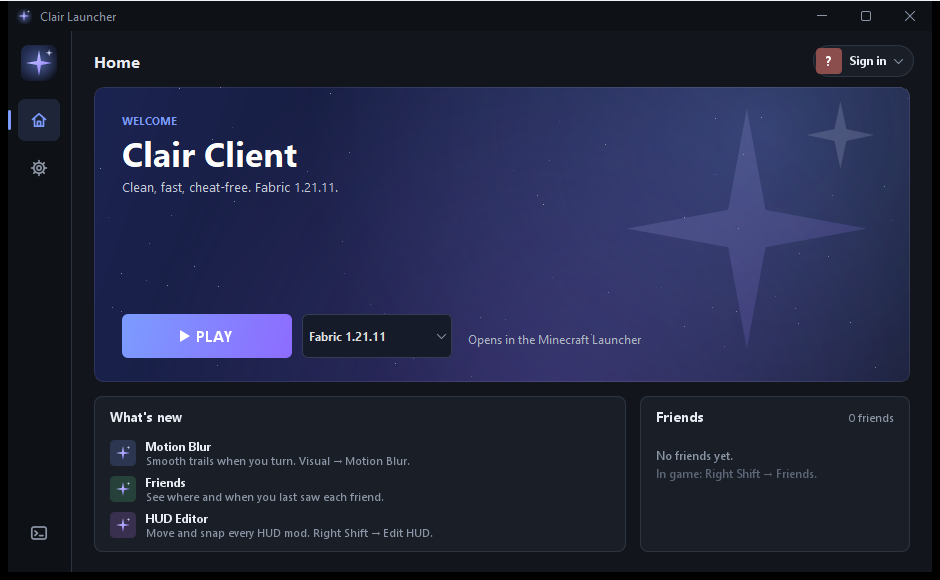
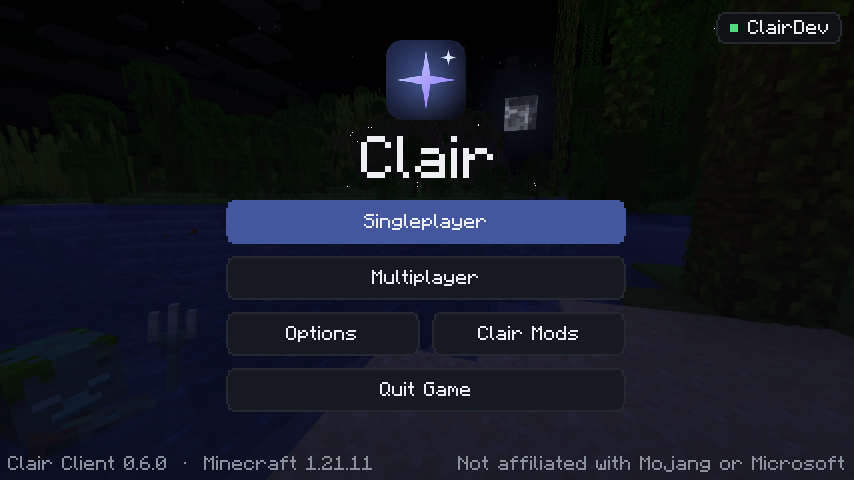
Visual and quality-of-life mods only: no reach, no x-ray, no autoclick. Just a better looking, smoother Minecraft.
❖
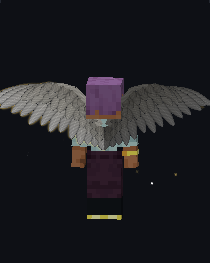
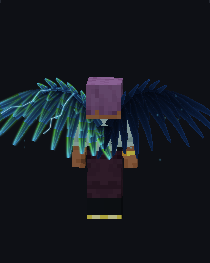
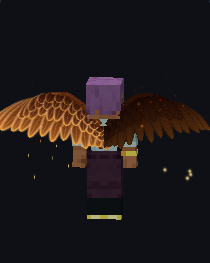
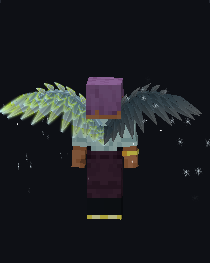
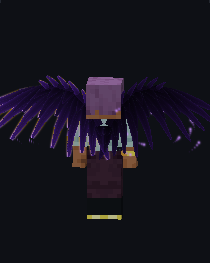
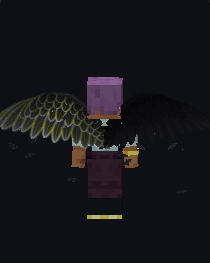
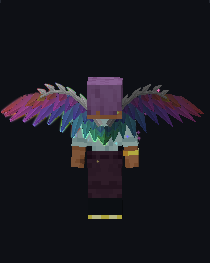
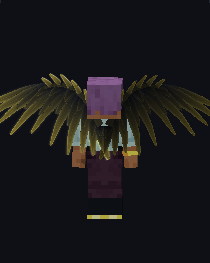
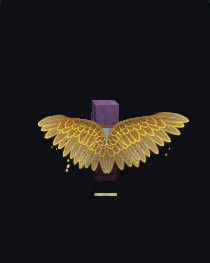
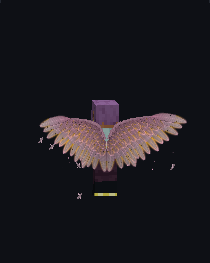
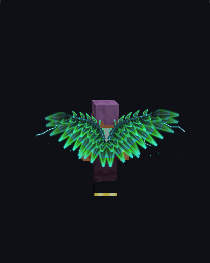
Free wings
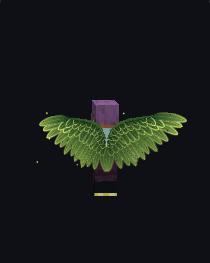
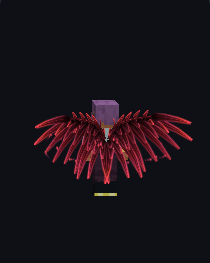
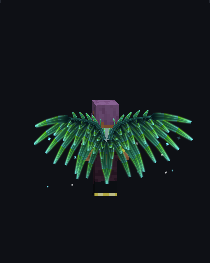
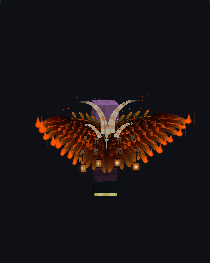
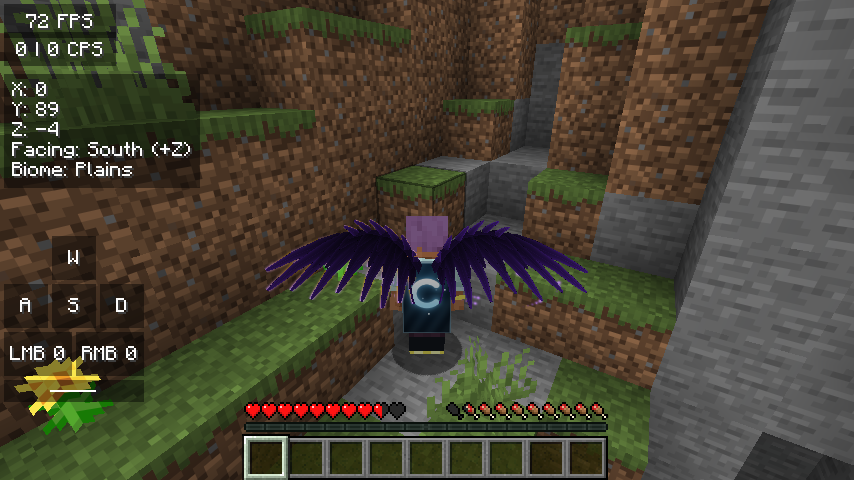
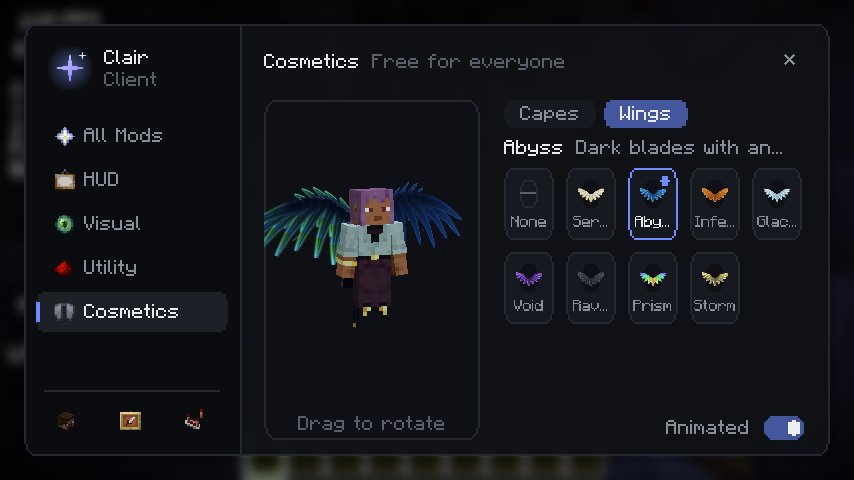
Fifteen styles that flap, fold when you sneak and glow, from golden Seraph to the horned, burning Ember Sovereign.
C
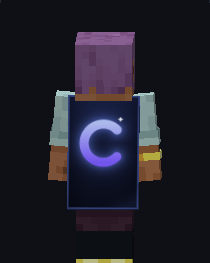
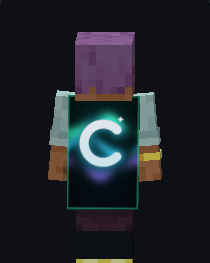
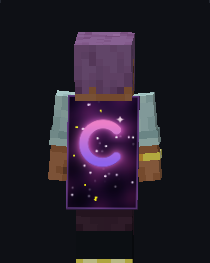
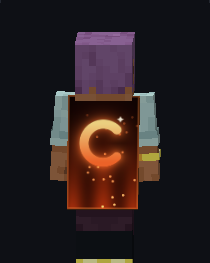
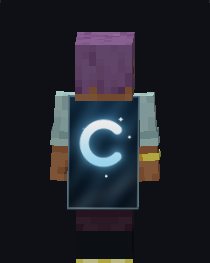
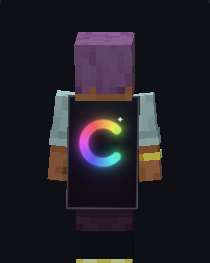
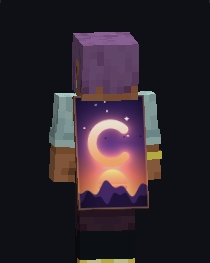
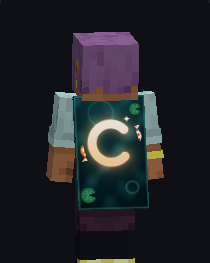
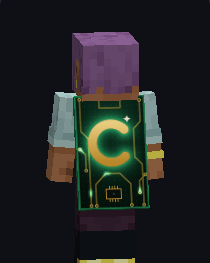
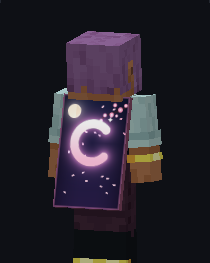
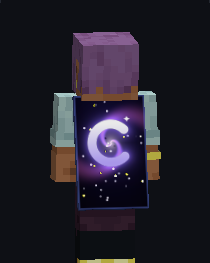
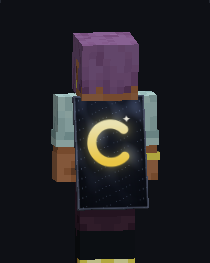
Free capes
Twelve animated capes with the Clair C. Other Clair players near you see them too.
⚡
FPS boost
The launcher adds Sodium, Lithium, FerriteCore and ImmediatelyFast, which roughly doubles your frame rate. Switch it off in the launcher settings any time.
▣
3D Skins
The outer layer of every skin in real 3D: hats, hoods, jackets and sleeves stand out from the body.
❤
Health Indicators
Other players' health right next to their name, from green to red.
✧
PvP visuals
Totem Counter, No Hurtcam, Shiny Pots and Hit Color. Looks only, no advantage.
⌖
HUD editor
FPS, CPS, keystrokes, armor, coordinates and more. Drag, resize and snap them anywhere.
✦
Motion Blur
Smooth trails when you turn, with adjustable strength. The HUD stays sharp.
◈
Color Saturation
Saturation, contrast, brightness and warmth sliders for a more colourful world.
⛨
Shield Status
Green or red on nametags: see if a player's shield is ready or disabled by an axe.
⌕
Zoom
Hold C to zoom, scroll to adjust. Smooth and configurable.
⌂
Waypoints
Save spots with a name and colour. A beam and a label with the distance show you the way, and a death point is added for you.
★
Friends
Stars on nametags, the tab list and chat, plus the server and time you last saw each friend.
⚙
Clean menus
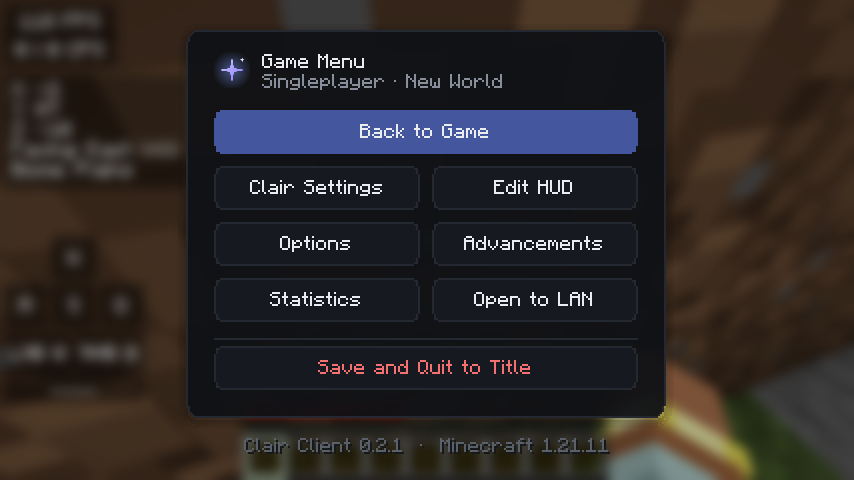
Right Shift opens a searchable menu with every mod. The Esc menu gets Clair Settings and Edit HUD.